
NYS SOFTECH / SERVING INDIA
Website speed checks that begin with the customer journey
A speed review should identify what delays useful content and interactions. Start with representative pages on mobile and connect measurements to the work required to improve them.
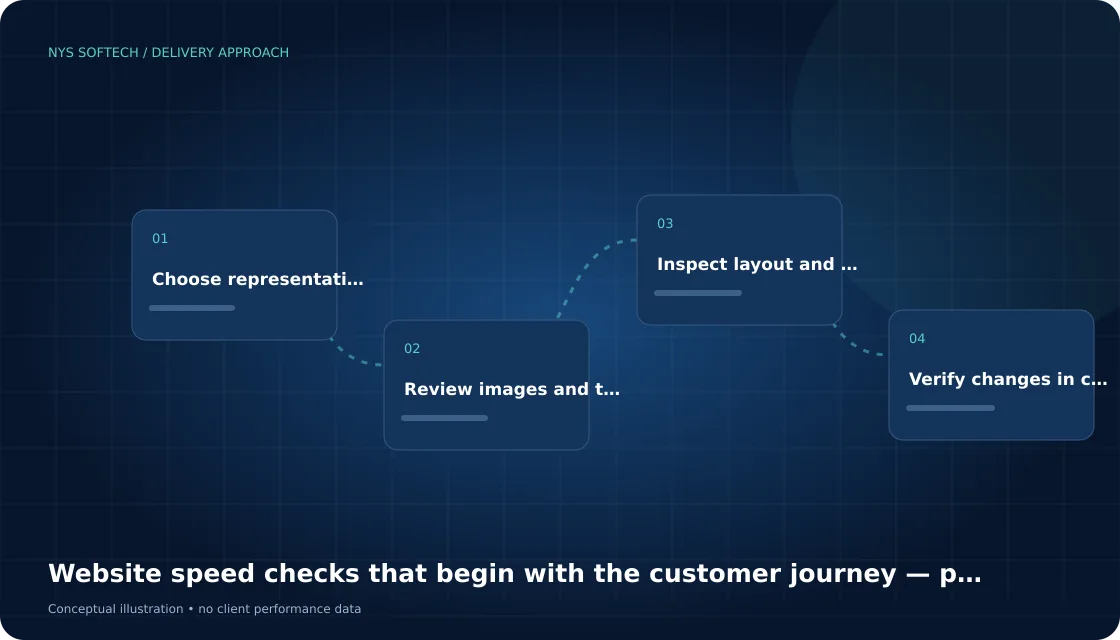
Choose representative pages
Include the homepage, a service page and the main enquiry or product journey. Different templates can load different assets. Testing only a simple page may miss the parts customers use most.
Review images and third-party work
Check image dimensions, compression and loading behaviour. Identify scripts added by plugins, apps and external widgets. Keep a record of the business function each asset serves before removing or delaying it.
Inspect layout and interaction issues
Look for content shifting as images or fonts arrive and controls that respond slowly. Test on an actual mobile connection where possible. A page that looks fast in an editor preview may behave differently for a visitor.
Verify changes in context
Compare before-and-after measurements for the same page and conditions. Recheck forms, menus and interactive sections after optimisation. A lower test score is not useful if a required customer action has stopped working.
Bring a useful brief to the review
Record the current setup, the decision you need to make, who owns the next action and how completion will be checked. Keep business evidence separate from assumptions.
Questions before you begin
Is a better test score enough to approve an optimisation?
Recheck the customer journey too. Menus, forms, product selection and other required interactions must still work after assets or scripts are changed.
Where can I explore website development support?
Our Website Development page explains the scope, including platform planning and page implementation. Use the related service link above to review deliverables before discussing your project.